Talk to Hermes
Chat with your agent in real time, resume previous sessions, work with attachments, and stay connected through Android notifications.
Chat, configure, automate, and manage your Hermes Agent from a native Android experience built for your phone.
Free, open source, and built specifically for Android.
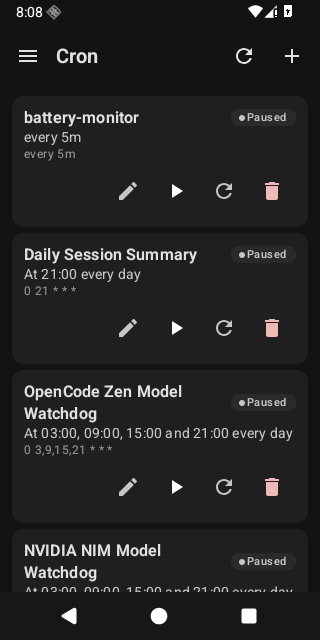
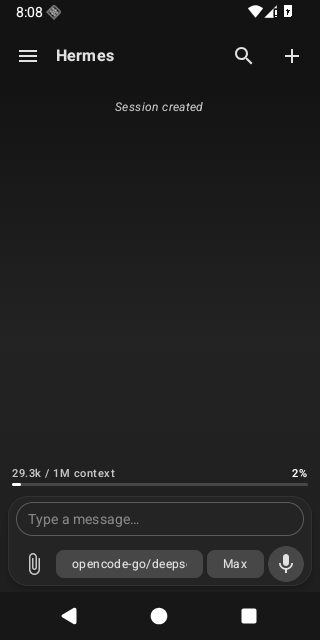
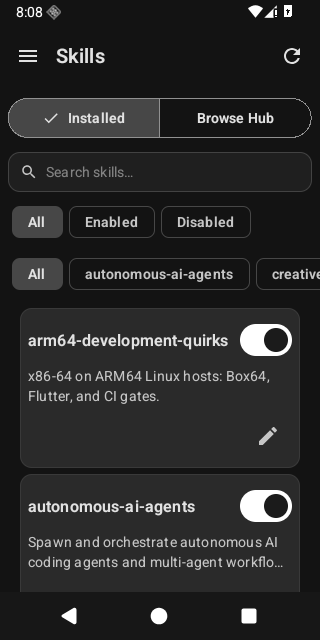
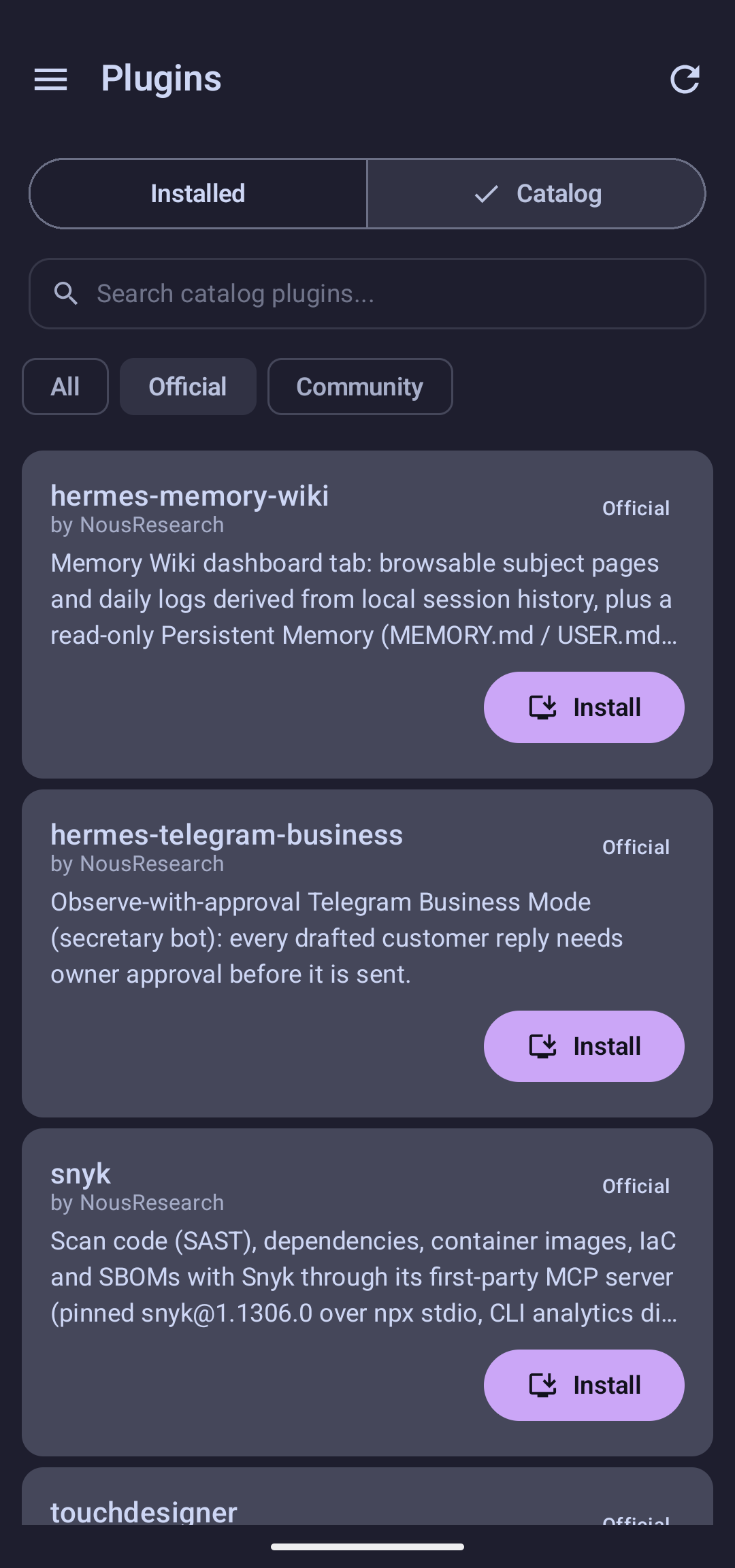
Browse models, manage your agent’s extensions, and reach every control surface from one native Android app.
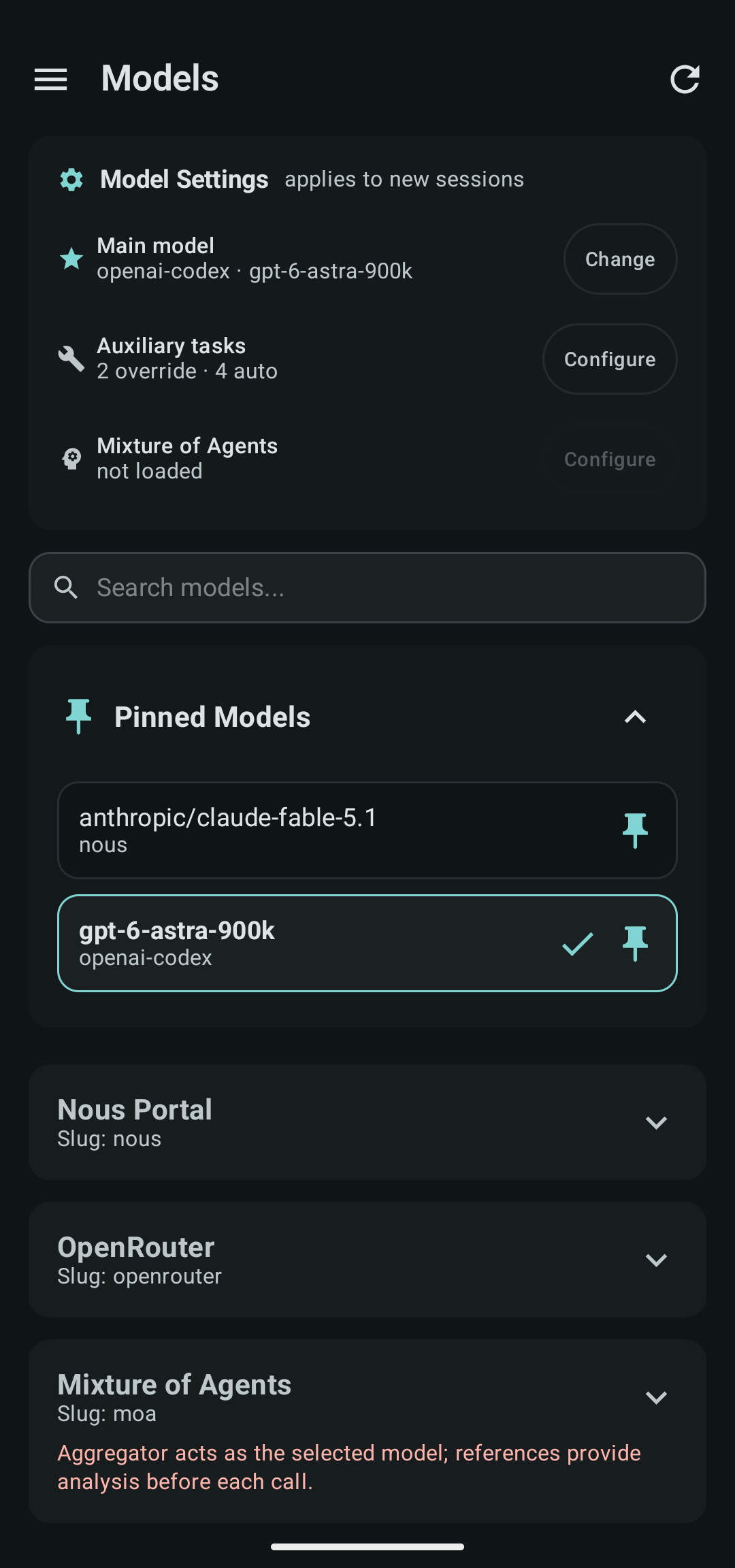
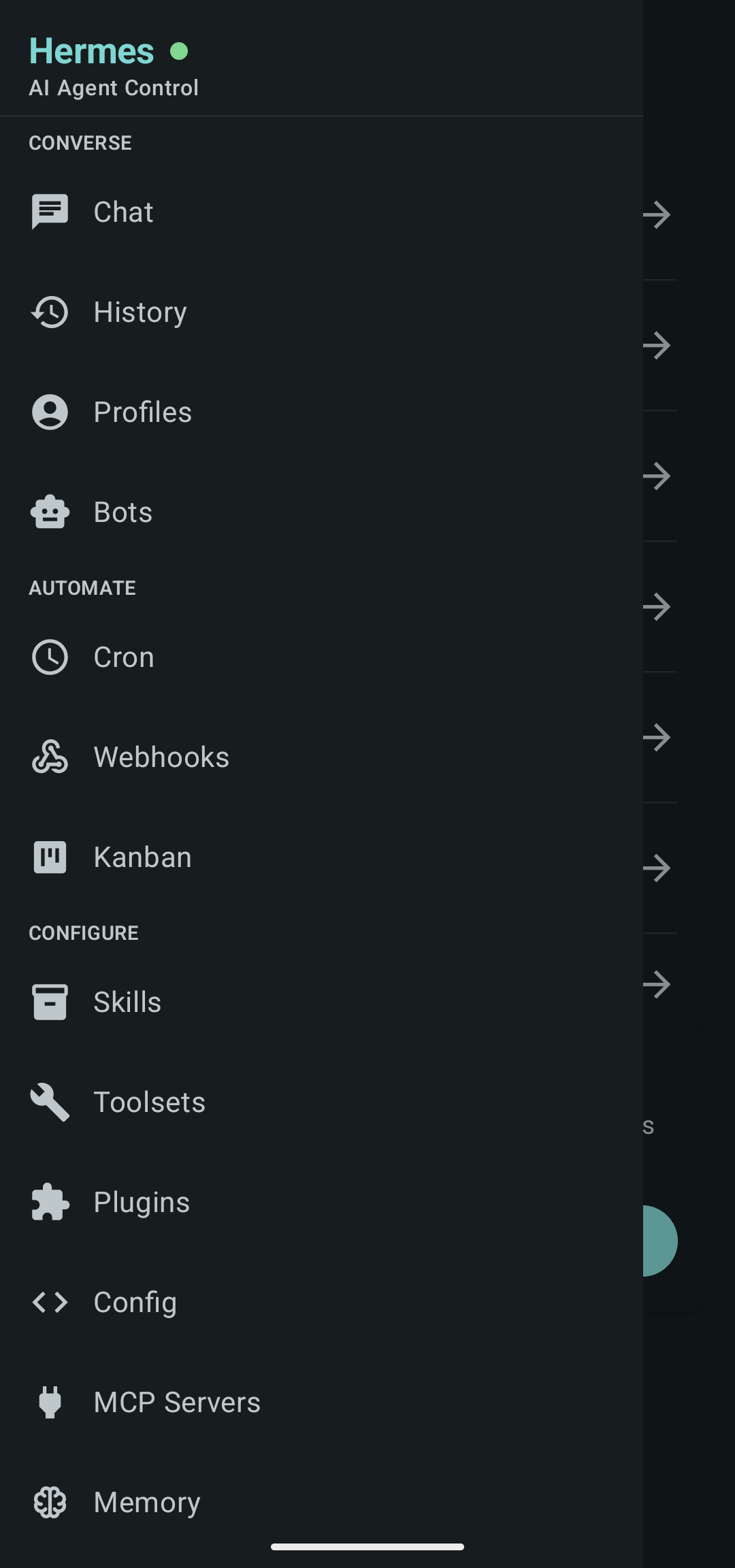
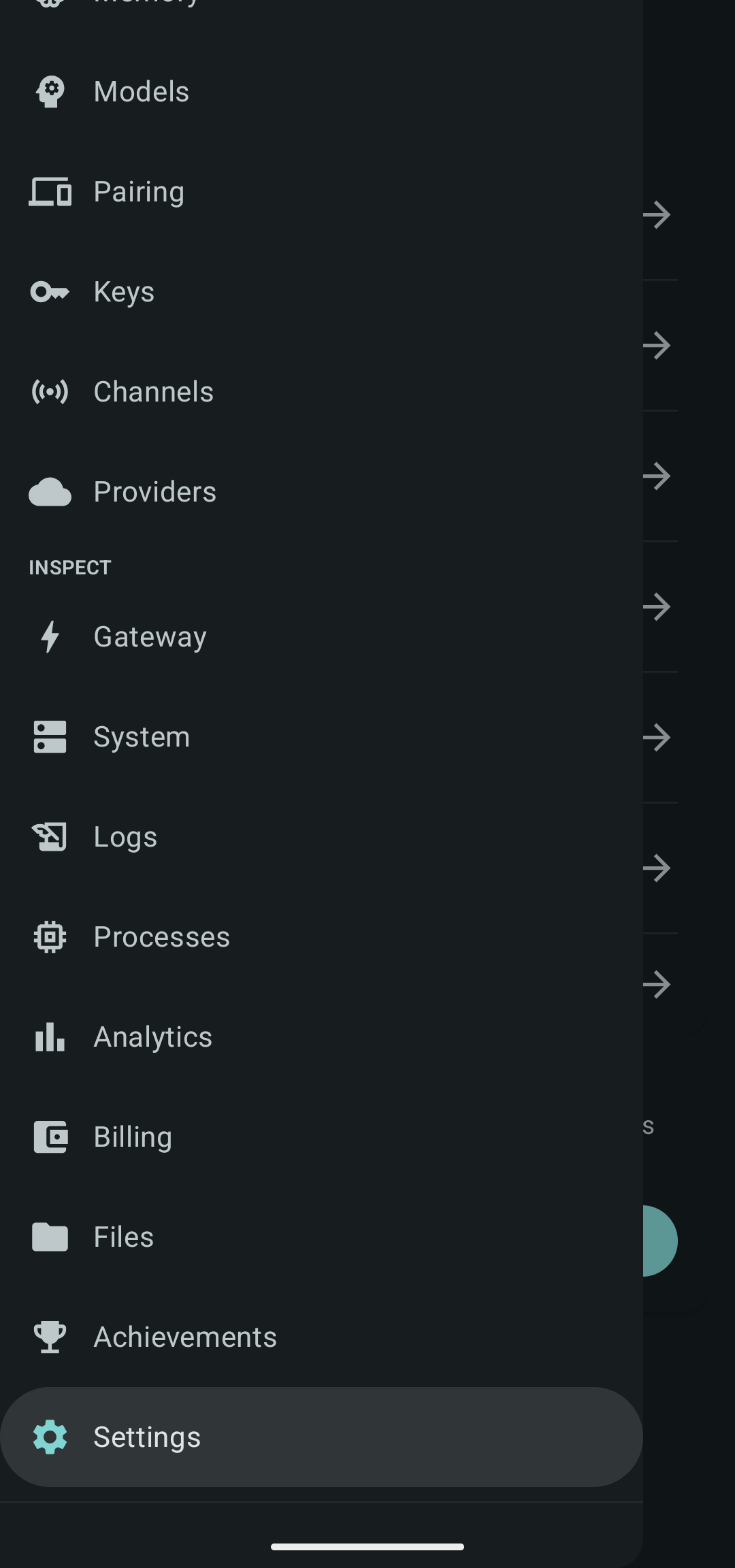
Hermes Mobile brings the parts of your agent you actually use into one native Android interface.
Chat with your agent in real time, resume previous sessions, work with attachments, and stay connected through Android notifications.
Manage models, providers, skills, plugins, MCP servers, cron jobs, profiles, environment settings, and other Hermes configuration without returning to your desktop.
Check Kanban boards, inspect sessions, monitor your gateway, view logs, and keep an eye on what your agent is doing wherever you are.
Hermes Mobile is built as an Android app from the ground up, with a UI that belongs on your phone.
A modern native UI designed around Android navigation, gestures, layouts, and system behavior.
Use dynamic device colors or choose from built-in Hermes color presets.
Keep an eye on your Hermes connection, integrations, channels, services, and agent state.
Inspect and manage cron jobs, webhooks, processes, configuration, and operational tools.
Resume your Hermes conversations instead of treating every mobile interaction as a fresh start.
No black box. Browse the code, open issues, contribute fixes, or build it yourself.
Hermes Mobile connects to the Hermes dashboard you already run.
Get it from F-Droid, Obtainium, or the latest GitHub release.
Run hermes dashboard --host 0.0.0.0 on the machine hosting Hermes.
Enter the dashboard host and port. Hermes Mobile detects the available authentication method and handles the rest.
Your conversations, automation, configuration, and workflows are no longer tied to your desk.